
Boxy SVG 4.94.0 macOS

Boxy SVG project goal is to create the best SVG editor for non-technical users as well as for professional designers and developers.
SVG is the standard format for storing vector graphics such as icons, banners, charts and illustrations.
CORE FEATURES
- Clean and intuitive UI heavily inspired by Inkscape, Sketch and Adobe Illustrator
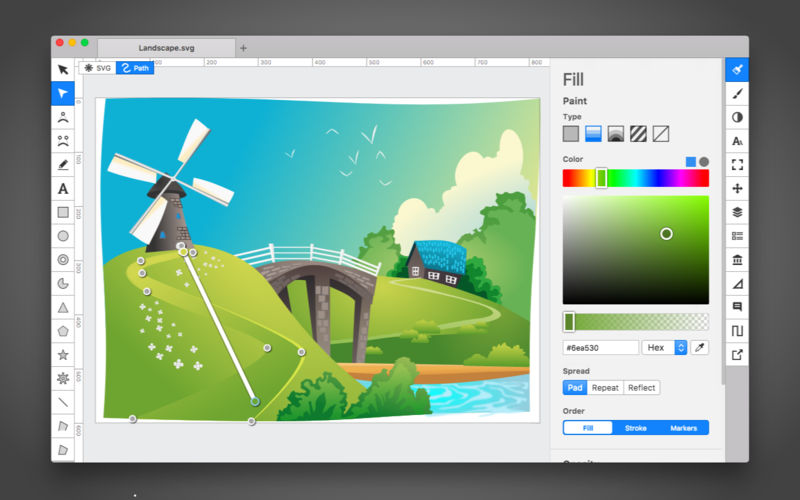
- Extensive support for on-canvas editing of object geometry, transform, paint and other properties
- Save to SVG and SVGZ formats, export to PNG, JPG, WebP, PDF and HTML5
- Open Clip Art Library integration with thousands of free stock vector arts
- Google Fonts integration with hundreds of free fonts
- Configurable keyboard shortcuts for over 100 commands
- Manual guides, smart guides and grid
- Path operations (unite, intersect, subtract, exclude, close, reverse, etc.)
- Arrangement operations (align to, rotate, flip, order, group, etc.)
FOR WEB DEVELOPERS
- Chromium-based rendering engine
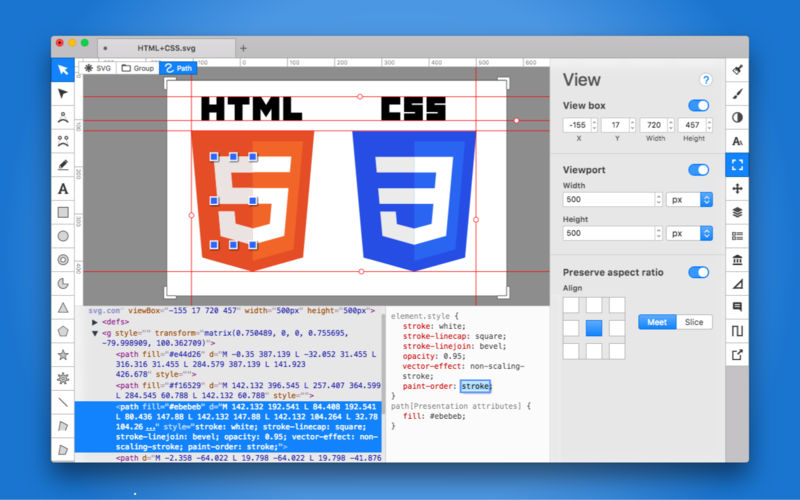
- SVG and CSS code inspector similar to Chrome Dev Tools
- Clean SVG output that preserves IDs, classes, titles and other metadata
- SVG sprites editing support
Compatibility: macOS 12.0 or later
Homepage https://geo.itunes.apple.com/app/id611658502
Software Details
Software Name: Boxy SVG
Version: 4.94.0
Developer: Boxy SVG Project
Category: Vector Graphics / SVG Editor
License: Commercial (Paid / App Store purchase)
Free Trial: Limited / Free features available in trial mode
Platform: macOS
Architecture: Apple Silicon & Intel
Minimum macOS Version: 12.0 or later
Supported Languages: English
Homepage: Boxy SVG on App Store
File Formats Supported
Import / Export:
-
SVG, SVGZ
-
PNG, JPG, WebP
-
PDF, HTML5
Key Features
-
Clean, intuitive UI inspired by Inkscape, Sketch, and Adobe Illustrator
-
On-canvas editing of geometry, transforms, paint, and other object properties
-
Path operations: unite, intersect, subtract, exclude, close, reverse
-
Arrangement operations: align, rotate, flip, order, group
-
Open Clip Art Library integration with thousands of free vector arts
-
Google Fonts integration with hundreds of fonts
-
Configurable keyboard shortcuts for 100+ commands
-
Guides, smart guides, and grid support
-
Chromium-based rendering engine
-
SVG and CSS code inspector for developers
-
Clean SVG output preserving IDs, classes, titles, and metadata
-
SVG sprite editing support
Use Cases
-
SVG illustrations for web and apps
-
Icons, charts, banners, and logos
-
Vector graphics design for beginners and professional designers
-
Developer-friendly clean SVG and CSS output
-
Export graphics for web, print, or app development
Leave a Reply