
SketchUp Pro 2026 v26.0.428 MacOS (Latest version)
SketchUp pro for macOS is an intuitive 3D modeling application designed to help you visualize, design, and build ideas in three dimensions. Whether you’re planning a house, garden shed, deck, interior renovation, furniture piece, or even a futuristic concept, SketchUp provides the tools to turn ideas into accurate 3D models—quickly and efficiently.
From early concept sketches to detailed technical drawings, SketchUp Pro supports every stage of the design workflow. Architects, designers, engineers, builders, and creators rely on it for modeling, diagramming, design development, construction detailing, documentation, and responding to RFIs.
SketchUp Pro combines the reliability of its desktop software with the flexibility of modern web-based tools. It also includes cloud integration through Trimble Connect, allowing users to save, organize, publish, and collaborate on projects from anywhere.
What’s Included in SketchUp Pro?
- A fast and user-friendly desktop application for precise 3D modeling. Ideal for professional workflows, detailed designs, and complex projects.
- A browser-based modeler that lets you create and edit 3D designs without installing software. Perfect for quick edits, collaboration, and working on the go.
- Secure cloud storage through Trimble Connect enables easy project sharing, real-time collaboration, version control, and remote access to files.
- Create professional, scaled 2D drawings using LayOut. Generate plans, elevations, sections, and presentation documents directly from your 3D models.
- Present designs in immersive environments using supported VR and AR devices, including headsets, tablets, and smartphones—helping clients better understand spaces before they’re built.
Customization & Productivity Features:
- Custom Styles & Materials – Personalize the visual appearance of your models
- Outliner – Organize complex projects with clear object hierarchy
- Dynamic Components – Create smart, adjustable objects that save time
- Extensive Extension Library – Expand functionality with plugins for rendering, analysis, and automation. Also Download Swift MacOS
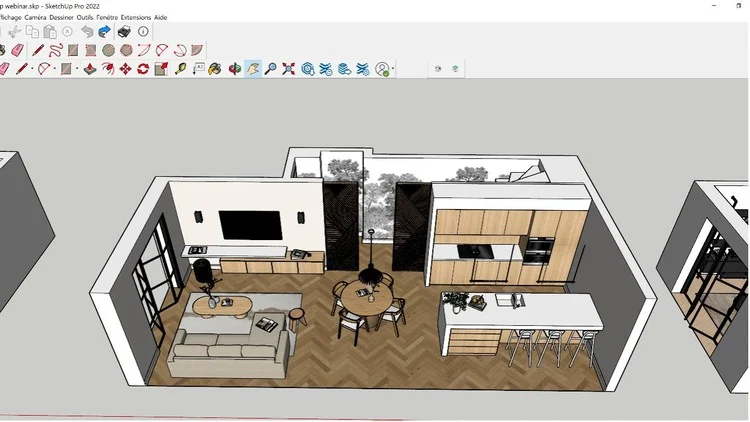
Who SketchUp Is For?
- Architects & interior designers
- Construction professionals
- Landscape designers
- Woodworkers & fabricators
- Product designers
- Students & educators
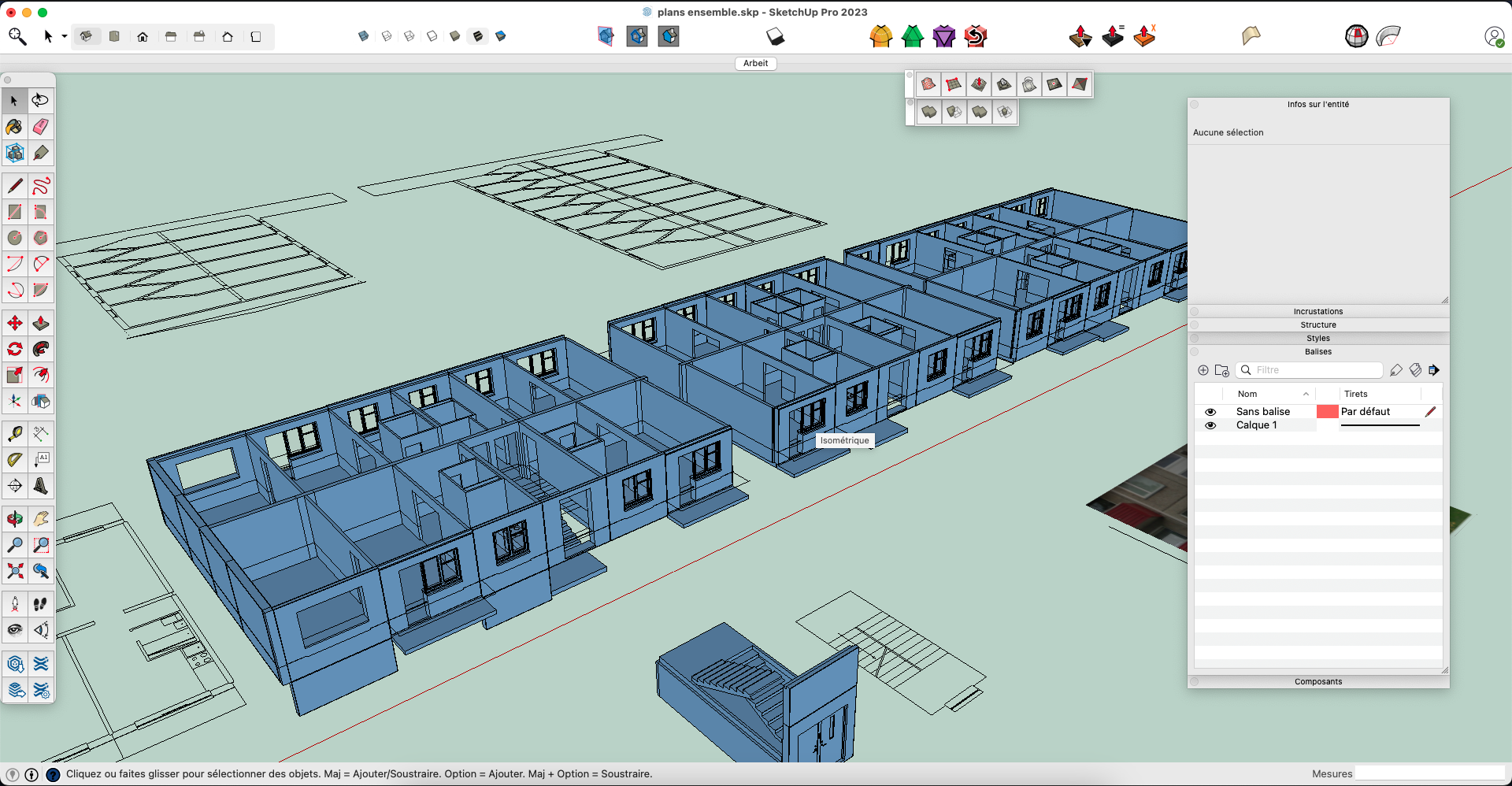
System Requirements:
- Operating System: macOS 11 (Big Sur) or later
- Processor: Intel or Apple Silicon (M1/M2 supported)
- RAM: Minimum 8 GB (16 GB recommended)
- Graphics: GPU with OpenGL 3.1 support
- Disk Space: At least 2 GB free
Download SketchUp Pro:
- Visit the official SketchUp website.
- Navigate to Downloads.
- Select SketchUp Pro for macOS.
- Download the
.dmginstaller file.
Open the Installer:
- Locate the downloaded
.dmgfile (usually in your Downloads folder). - Double-click to open it.
Install the Application
- Drag the SketchUp icon into the Applications folder.
- Wait for the copy process to finish.
Launch SketchUp Pro:
- Open Applications.
- Double-click SketchUp Pro MacOS.
- If macOS asks for permission, click Open.
Sign In & Activate”
- Sign in using your SketchUp account.
- Start the free trial or activate your Pro license.
🎉 That’s it! SketchUp Pro is now installed on your Mac.
Leave a Reply