
Adobe Audition 2026 v25.6.0 Multilingual macOS

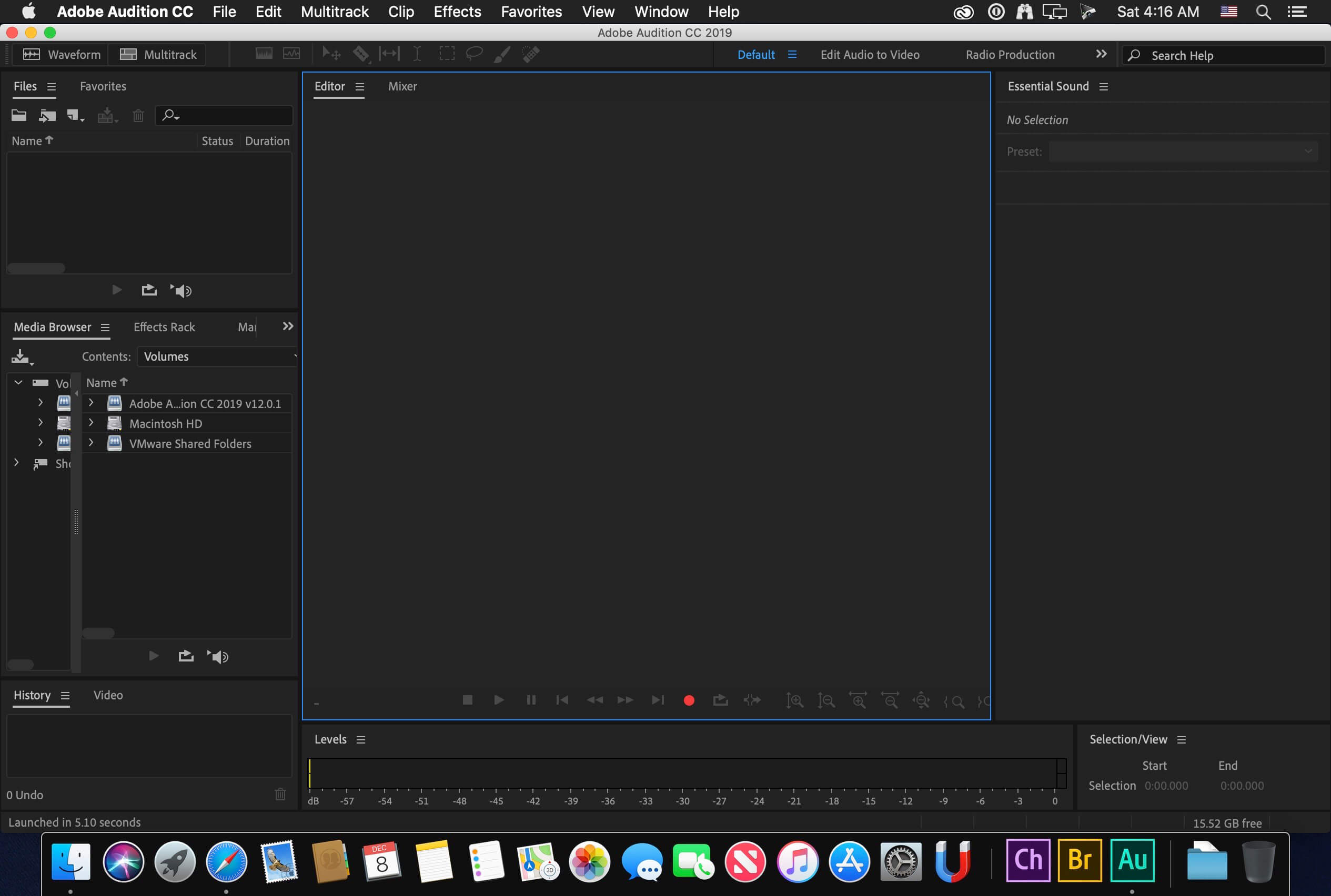
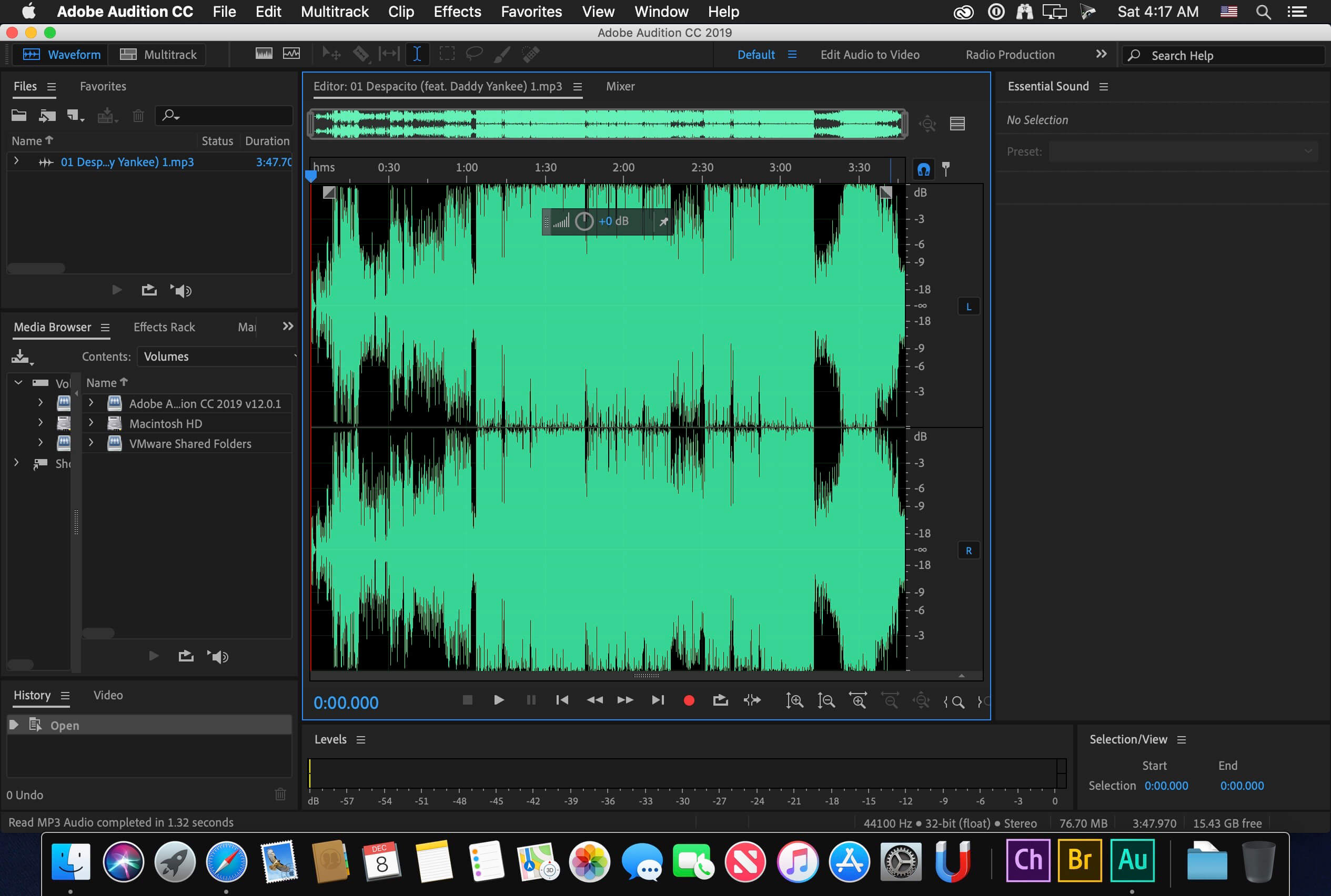
Adobe Audition. A professional audio workstation. Create, mix, and design sound effects with the industry’s best digital audio editing software. Audition is a comprehensive toolset that includes multitrack, waveform, and spectral display for creating, mixing, editing, and restoring audio content. This powerful audio workstation is designed to accelerate video production workflows and audio finishing – and deliver a polished mix with pristine sound.
Edit, mix, record, and restore audio.
Audition is a comprehensive toolset that includes multitrack, waveform, and spectral display for creating, mixing, editing, and restoring audio content. This powerful audio workstation is designed to accelerate video production workflows and audio finishing – and deliver a polished mix with pristine sound.
What is Audition?
Meet the industry’s best audio cleanup, restoration, and precision editing tool for video, podcasting, and sound effect design.
Record, edit, and integrate music clips.
Record, edit, and integrate music clips.
This step-by-step tutorial guides you through the robust audio toolkit that is Adobe Audition, including its seamless workflow with Adobe Premiere Pro.
New interactive tutorials, right in app.
Add oomph to your audio. Use the Essential Sound panel to achieve professional-quality audio – even if you’re not a professional.
Create a podcast
Learn the basic steps to record, mix, and export audio content for a podcast – or any other audio project..
Remix to fit.
Easily and automatically rearrange any song to fit any duration with Remix in Audition.
Repair and restore
Get best practices for fixing audio, including how to use the spectral frequency display, Diagnostics panel, effects, and more.
Language versions available for Audition:
– French, German, Japanese, Italian, Spanish, Portuguese, Simplified Chinese, Korean
Language: Multilangual
<Compatibility: macOS 10.15 or later, Apple Silicon or Intel Core processor
Homepage https://www.adobe.com/
Additional Details
Software Name: Adobe Audition 2025 v25.6.0
Developer: Adobe Inc.
Category: Digital Audio Workstation (DAW) / Audio Editing Software
License Type: Paid / Subscription-Based
Free Trial: Yes (7-day free trial via Adobe Creative Cloud)
Latest Version: 25.6.0 (2025)
Release Type: Stable
System Requirements
Operating System:
-
macOS 10.15 or later
-
Apple Silicon or Intel Core processor
Minimum Hardware Requirements:
-
Processor: Intel Core i5 / Apple M1 or newer
-
RAM: 8 GB (16 GB recommended)
-
Graphics: Metal-supported GPU recommended
-
Storage: 4–10 GB free disk space (SSD recommended)
-
Display: 1920 × 1080 resolution or higher
Supported Features
Key Capabilities:
-
Multitrack, waveform, and spectral display audio editing
-
Record, edit, mix, and restore audio
-
Audio cleanup and precision editing tools
-
Podcast recording, editing, and export workflow
-
Remix songs to fit any duration automatically
-
Repair and restore audio using spectral frequency display and Diagnostics panel
-
Essential Sound panel for professional-quality audio
-
Seamless integration with Adobe Premiere Pro for video production
-
Support for multiple languages: French, German, Japanese, Italian, Spanish, Portuguese, Simplified Chinese, Korean
Supported File Formats: WAV, MP3, AIFF, AAC, OGG, FLAC, WMA, PCM, and other standard audio formats
Third-Party Plugins: Supported (VST, AU, and other audio plugin formats)
Included with Subscription
-
Adobe Audition
-
Integration with Adobe Premiere Pro and Creative Cloud apps
Additional Information
Activation Method: Adobe Creative Cloud Account
Internet Required: Yes (activation, updates, cloud features)
Supported Languages: Multilingual
Use Cases: Audio recording, mixing, editing, podcasting, sound design, audio restoration, video post-production
Official Website: https://www.adobe.com/
Leave a Reply